Phone & PBX in ChronosCodex
Browser softphones, call logs with recordings, and minutes you can see.
The two lines
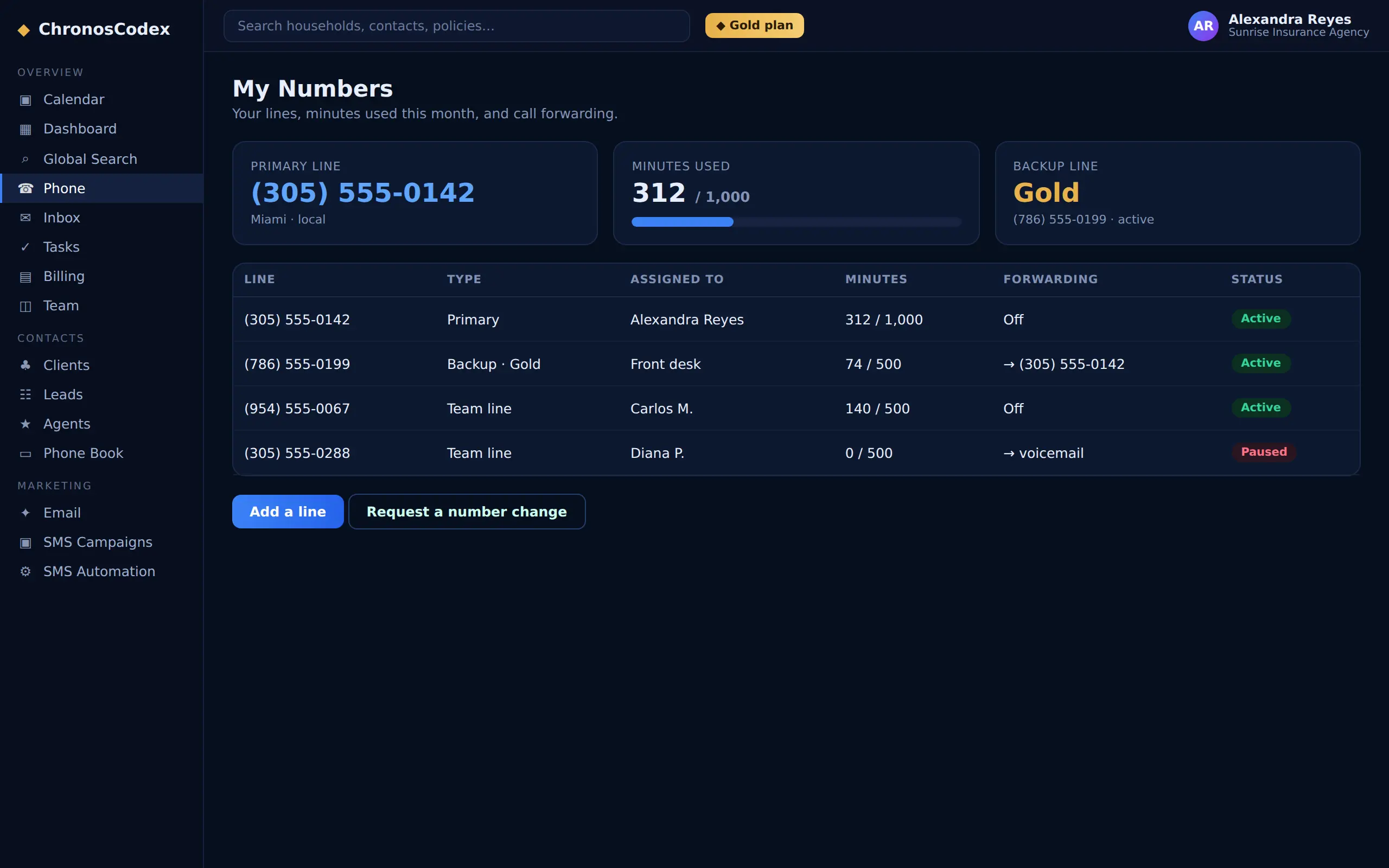
Web Phone is your primary browser softphone, no install, works wherever you log in. Backup Line (Agency/Brokerage) is a second, cloud-based line that uses one of your plan's number slots. Both appear under Phone, with minutes-used shown for each.
Calls land on the record
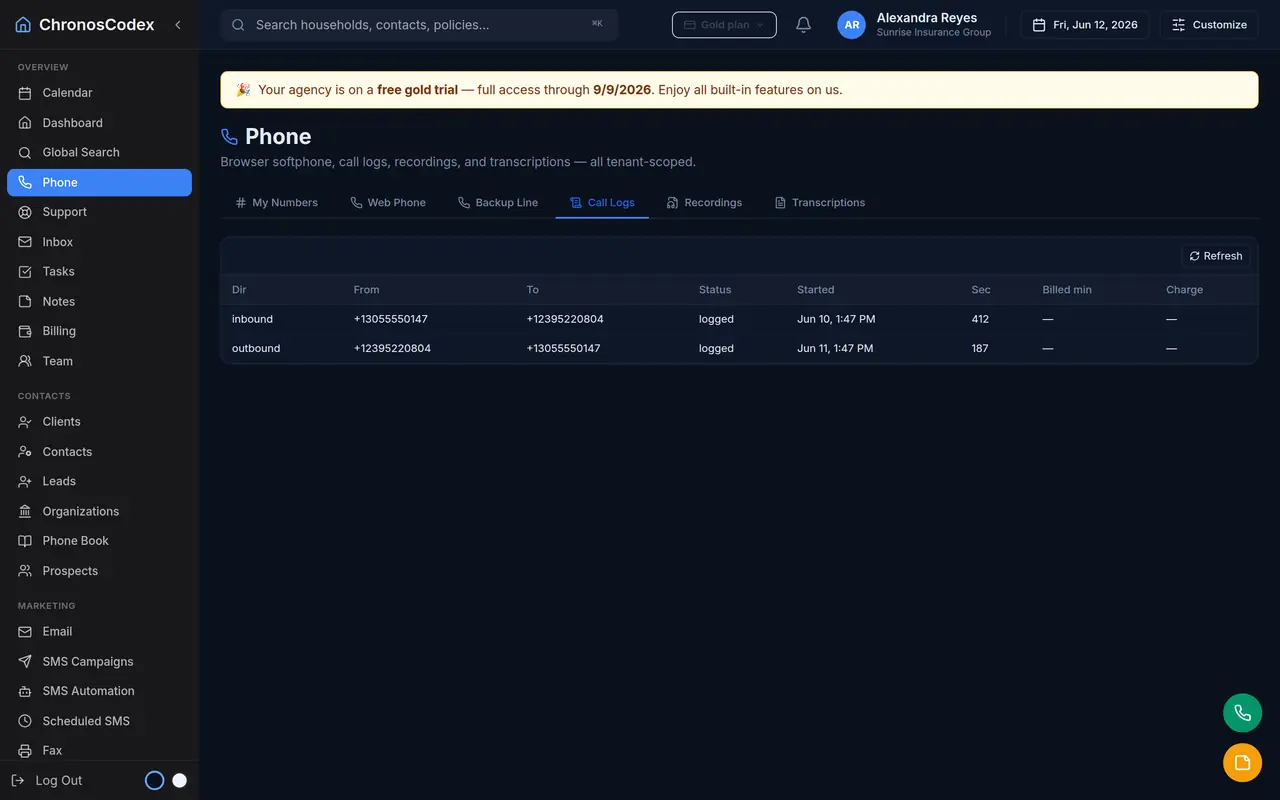
Inbound callers are matched to households (a lookup is one click during a call). Completed calls log direction, duration, and, where enabled, the recording, with transcripts and summaries attached to the household so the conversation is part of the book, not lost in a phone system.
Call forwarding
From Phone → My Numbers, any line can forward to a cell phone, office line, or answering service: click Forward this line, enter the destination, save. Forwarding starts immediately; click Stop to return to normal. Your web phone keeps working for outbound either way.
Minutes and credits
Each tier includes monthly minutes. The Phone tab shows usage; when an allowance runs out, you'll be prompted to upgrade or pre-pay phone credits on the Billing page so service never surprises you.
Ready to put this to work? Launch ChronosCodex and follow along in your own workspace, or learn about the platform if you don't have one yet.