Creating and Working Households
The household is the parent record. Get this right and everything else falls into place.
Create a household
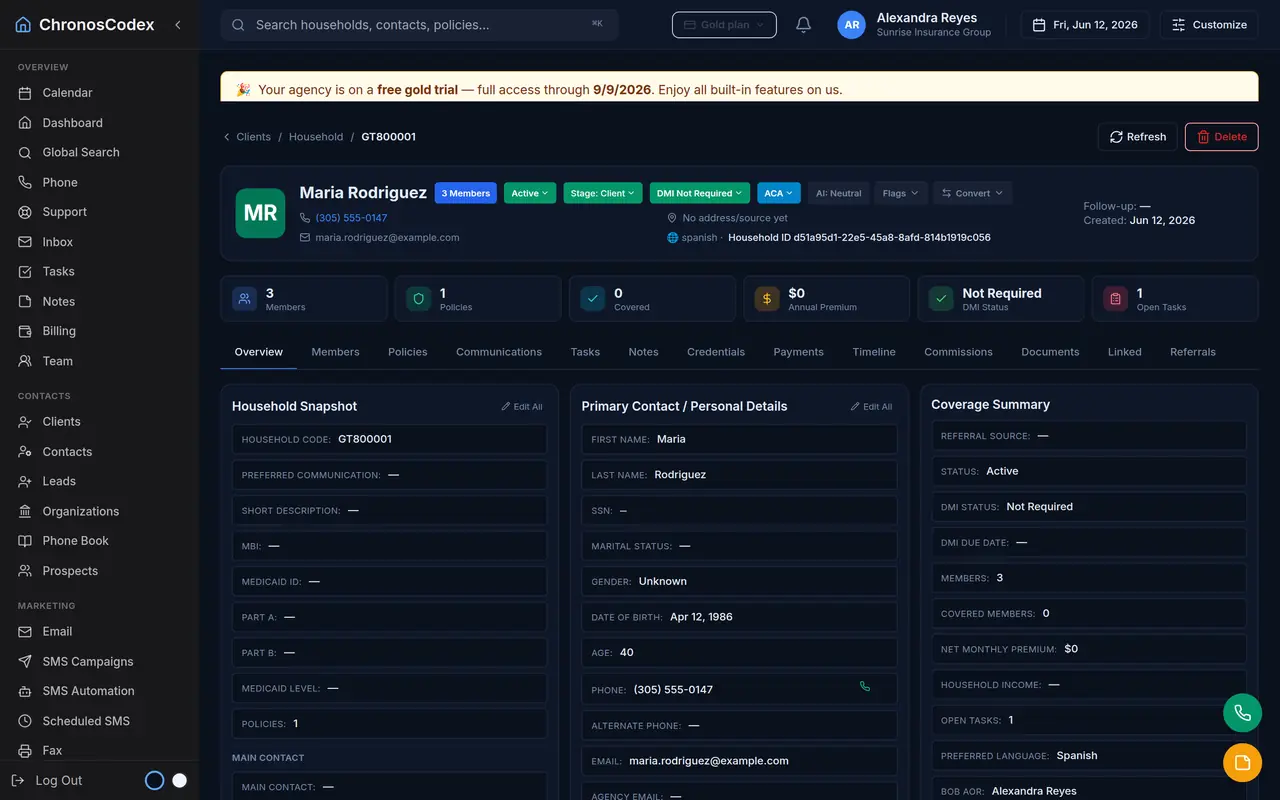
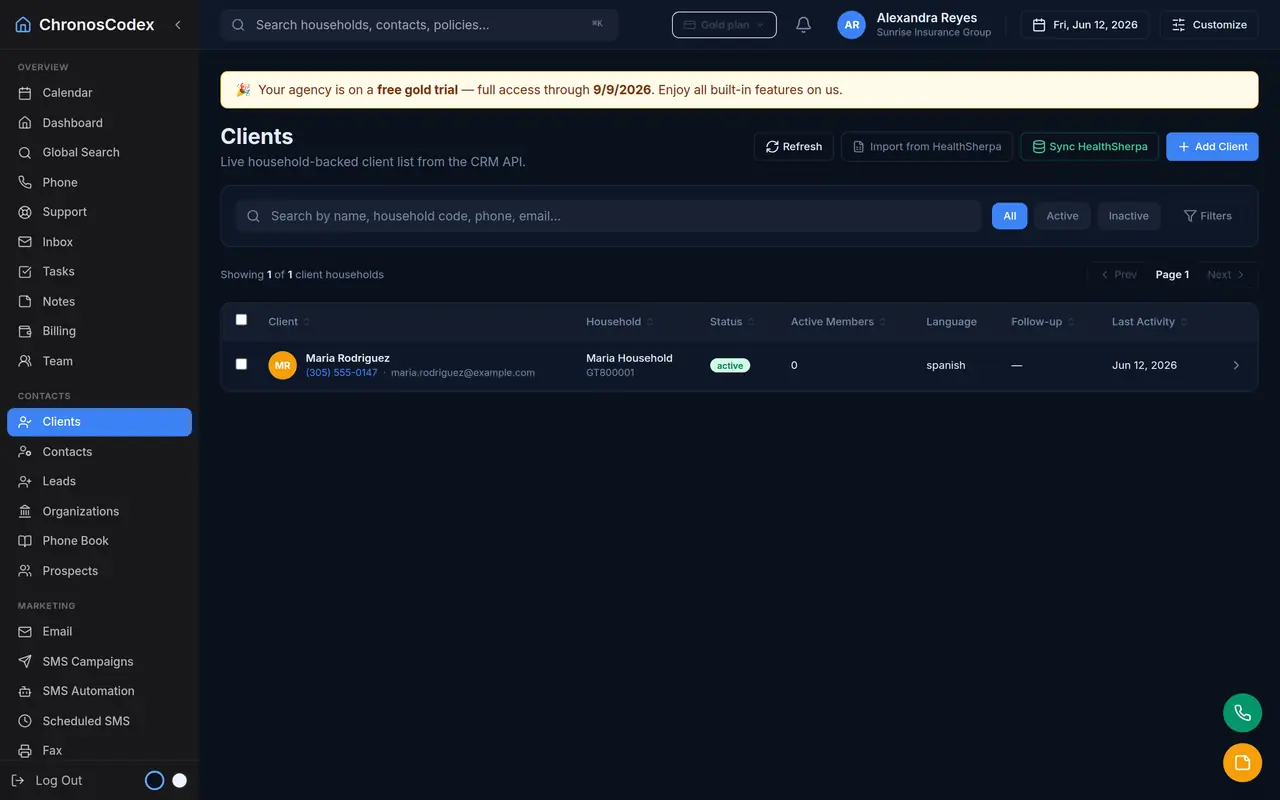
From Clients, choose Add Client. Enter the primary contact's name and phone, pick the stage (lead, prospect, or client), and choose the BOB AOR: the agent of record for this household. The AOR sets the household's ID prefix and the default agent on new policies. If the agent you pick isn't using one of your plan's agent slots yet, a slot is assigned automatically.
Members
Open the household and add members: spouse, dependents, and anyone on the policies. Each member carries their own date of birth, phone, email, gender, and, where relevant, Medicare/Medicaid identifiers. Members are what policies cover, so accurate members make accurate policies.
Policies
Add policies on the household with carrier, plan name, status, effective date, and premium. Policies drive renewals and commissions later, so enter effective dates even for older business.
The timeline
Texts, emails, calls, notes, documents, and status changes all land on the household timeline. When a client calls or texts, anyone on your team can read the history and pick up the thread, that's the point of household-centered design.
Stages and lifecycle
Households move lead → prospect → client (and occasionally ex-client). Stage drives which dashboards and campaigns include the household, so keep it honest: automation depends on it.
Ready to put this to work? Launch ChronosCodex and follow along in your own workspace, or learn about the platform if you don't have one yet.